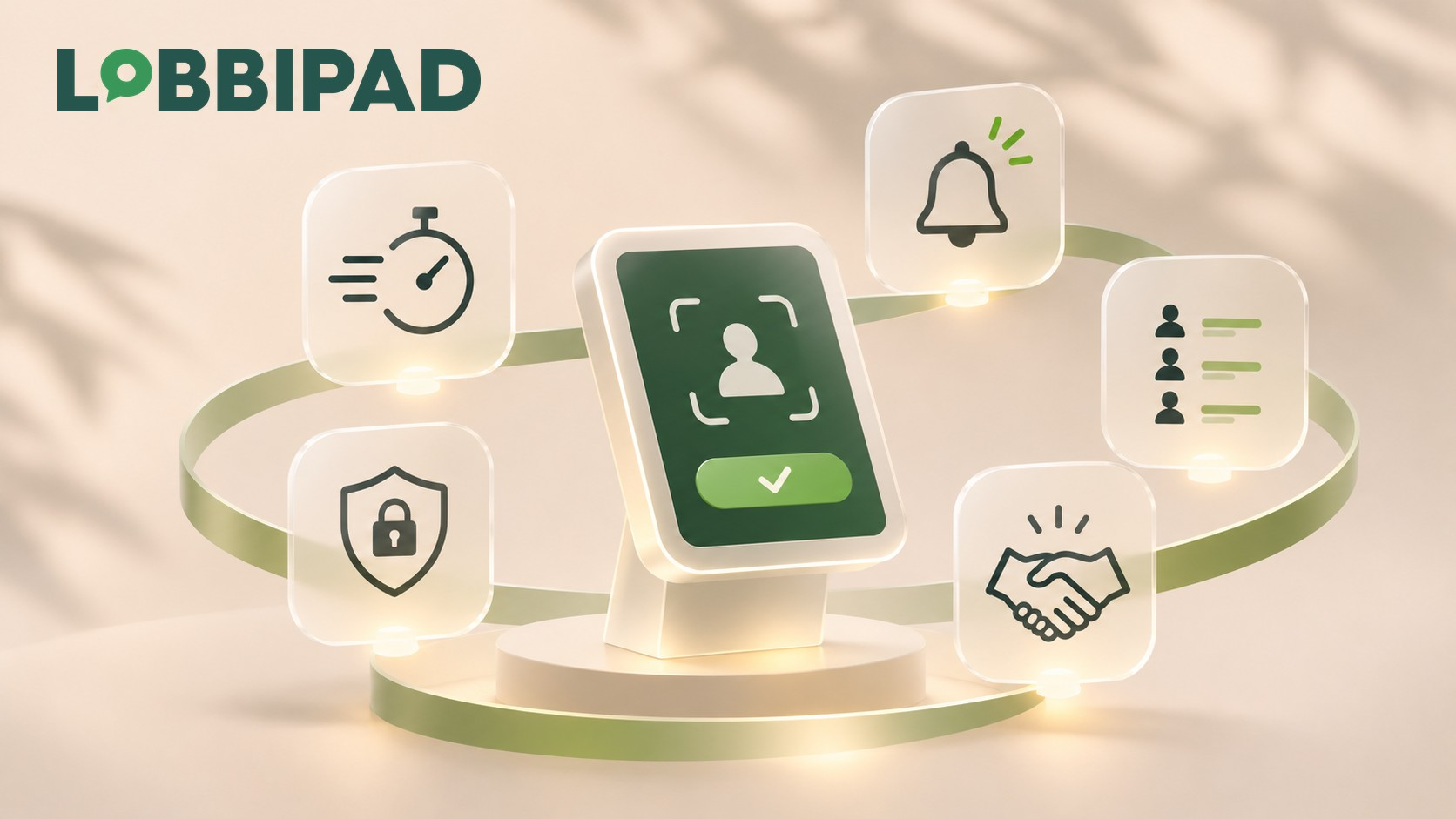
A visitor arrives at your office. The receptionist is in a meeting, working at another site today, or there simply is no permanent front desk.
What happens next? In many companies, the search begins for someone who can help the visitor.
People phone around, wait, or knock on a random office door. Sometimes there is still a paper visitor book in which guests have to write down their name.
It can be simpler. An unattended reception with digital visitor registration gives visitors a clear place to sign in, without an employee having to be present at all times.
The result is a streamlined reception process that also works in smaller offices, production sites and locations with several entrances. In this guide, you will learn how a digital reception works, which features matter and what to consider when setting one up.
What is an unattended reception?
An unattended reception is a reception point where visitors can sign themselves in without direct involvement from a receptionist. Instead of an employee registering visitors by hand, the organisation uses, for example, a tablet or a digital visitor kiosk.
With it, the visitor can:
- Sign in on arrival.
- Indicate which employee they have an appointment with.
- Enter the visitor details that are requested.
- Read and confirm any safety instructions or visitor terms.
- Have their arrival reported automatically to their contact person.
An unattended reception does not mean that personal contact disappears.
Digital registration mainly takes over the administrative steps. The employee receiving the visitor remains responsible for the personal welcome.
The aim is not to replace hospitality, but to make reception less dependent on repetitive administration.
How does a digital reception with an iPad work?
A digital reception does not have to be a complicated installation. With an iPad, a suitable stand and visitor management software, you can create a self-service sign-in point.
This is how the process can work.
Step 1. The visitor arrives
At the entrance, an iPad shows a clear welcome screen. The visitor chooses their preferred language and starts signing in.
The interface matches the company's branding. Has the employee pre-registered the visitor?
Then the visitor can receive a personal QR code to check in faster on the iPad.
Step 2. The visitor registers
The visitor enters the information the organisation needs. This might include:
- Name and company name.
- The employee being visited.
- The purpose of the visit.
- Any additional details relevant to the location.
Depending on the registration procedure that has been set up, safety instructions, house rules or visitor documents can also be shown.
It is important to ask only for personal data that is genuinely needed.
Step 3. The contact person is notified automatically
As soon as registration is complete, the relevant employee can receive a notification automatically. With Lobbipad, this happens by email in Visitors Plus.
Visitors Pro also supports SMS and MS Teams, depending on the channels that are available and configured. The employee therefore knows their visitor has arrived, without a receptionist having to phone them first.
Step 4. The visitor is welcomed
The employee can then come to reception to welcome the visitor in person. If badge printing is set up and the right hardware is in place, a visitor badge can also be printed during registration.
Step 5. Presence and departure are recorded
During the visit, the registered presence is visible in the digital visitor overview. When leaving, the visitor checks out.
This keeps the registration history clear, and the organisation can use the registered data to see who is or was on site. Such a system also supports an up-to-date visitor overview for emergencies, provided visitors consistently check in and out.
Discover how iPad visitor management works.
Five benefits of an unattended reception
1. Fewer administrative tasks
Visitors no longer need to be signed in manually by a receptionist each time. Registration, notifying the contact person and storing visit details become part of a single digital process.
As a result, a receptionist who is present can devote more attention to hospitality and other work.
2. A consistent welcome at every location
In companies with several sites, visitor registration does not always work the same way. The head office may have a permanent receptionist, while a warehouse or smaller branch has no staffed reception.
With digital visitor registration, the organisation can introduce a recognisable way of working, whether or not someone is at the desk.
3. Less dependence on staffing
A visitor can also register when a receptionist is temporarily away. That does not mean the organisation automatically grants every visitor access.
Digital sign-in and actual admission to the building remain separate steps. A clear procedure for escorting visitors and for access control remains necessary.
4. Better insight into who is on site
A paper visitor book usually offers few ways to check attendance quickly. Digital visitor registration makes it easier to view registered arrival and departure times, visit history and visitors currently on site.
This is especially useful at locations where several departments, contractors or external visitors come together.
5. A professional first impression
Arriving at a company shapes how a visitor experiences the organisation. A clear welcome screen in your own branding, a simple registration process and an employee who knows about the arrival make reception more predictable and better organised.
Even without a permanent receptionist, the welcome can therefore remain professional and personal.
Unattended or traditional reception: which suits your company?
An unattended reception is not automatically the best choice for every organisation.
| Aspect | Traditional reception | Digital unattended reception |
|---|---|---|
| Signing visitors in | By the receptionist | Self-service on iPad |
| Notifying the contact person | By phone or manually | Automatic |
| Visitor details | Paper or software | Digital |
| Personal assistance | Immediately available | By the receiving employee |
| Registration without a permanent receptionist | Limited | Possible |
| Complex questions and exceptions | Receptionist can help immediately | Escalation procedure needed |
For organisations with many complex visitor questions, a staffed reception remains valuable.
For smaller offices or locations with relatively predictable visitor flows, an unattended reception can be a logical solution. Many companies therefore benefit most from a hybrid approach: digital sign-in for everyone, with personal support when needed.
Which companies benefit from a digital reception?
Offices and head offices
Office staff regularly receive clients, candidates, consultants and business partners. A digital reception lets these visitors sign themselves in and informs their contact person automatically.
Production sites and warehouses
At manufacturing and logistics sites, suppliers, technicians and contractors come and go alongside business guests. A structured digital registration process helps the organisation keep track of registered visitors and their presence.
Safety instructions can be part of signing in, but they do not replace mandatory safety training, access control or escorting.
Companies with multiple locations
An organisation with several offices can use the same visitor management software to organise a consistent reception process at each location. With Lobbipad, licensing works per physical location.
Several iPads can be connected within the same licensed location.
Companies without a permanent receptionist
For smaller organisations, a permanently staffed reception is not always practical or economically justified. An iPad at the entrance offers an accessible alternative for the administrative part of reception.
The organisation does need clear agreements about who receives visitors and what happens when a contact person cannot be reached.
What should you consider when setting up an unattended reception?
A good digital reception is more than a tablet on the wall.
Choose a logical place for the iPad
Visitors should immediately understand where they can sign in. Place the iPad in a clearly visible, accessible spot and make sure there is a stable internet connection, a permanent power supply and a suitable secure stand.
Keep registration as simple as possible
Do not ask for data you do not need. A visitor who only has to enter their name, company and contact person usually goes through a simpler process than someone who has to complete several unnecessary forms.
Use clear instructions and offer the relevant languages.
Keep employee details up to date
A digital reception can only notify the right employee when the available contact persons and their details are current. Put a clear procedure in place for adding, changing or removing employees.
Agree how exceptions are handled
What happens if a visitor has no appointment? Or if the contact person does not respond?
Decide in advance who provides support, who may admit visitors and how exceptional situations are handled.
Take privacy and security into account
Digital visitor registration processes personal data. Decide which information is necessary, who has access to the data and how long it is kept.
With Lobbipad, retention periods can be configured and access to visitor information can be restricted by user role. Software supports a privacy-conscious process, but it does not automatically make an organisation GDPR-compliant.
Also read our practical guide to GDPR and visitor management.
What does an unattended reception cost?
The cost depends on the chosen hardware, software, configuration and number of locations. You should generally take three components into account:
- Hardware: an iPad, a suitable stand and optionally a badge printer.
- Software: a visitor management licence, including the features your organisation needs.
- Setup: configuring the welcome page, employees, notifications, visitor fields and any documents.
Lobbipad offers iPad visitor management with a software licence per physical location. Badge printing is optional and a free 30-day trial is available.
See Lobbipad's current pricing to determine the software costs for your organisation. When comparing solutions, do not look only at the monthly licence price.
Also check whether you pay extra for multiple iPads, locations, notifications, hardware or specific integrations.
How does Lobbipad make an unattended reception possible?
Lobbipad is visitor management software that lets organisations digitise their reception with an iPad. The solution combines several parts of the visitor process:
- Self-service registration at the entrance.
- Pre-registration with a personal QR code.
- Automatic notifications to employees.
- Optional visitor badge printing.
- Digital confirmation of safety instructions and documents.
- An up-to-date overview of registered visitors.
- Visit history and configurable retention periods.
- Management of multiple physical locations.
The iPad is the sign-in point, while employees and administrators follow up visitor registration through the online management portal.
This lets you set up a professional digital reception without having to develop a complex, entirely new reception process. Discover Lobbipad visitor management software.
Frequently asked questions about unattended reception
Yes. With a digital visitor kiosk, guests can sign themselves in and their contact person is informed automatically.
The receiving employee remains responsible for further assistance and any admission to the building.
For a basic setup with Lobbipad, you need an iPad, a suitable stand, a power supply, an internet connection and a software licence. A badge printer is optional.
Yes. Pre-registered visitors can receive a personal QR code.
They scan it on the iPad at the entrance to check in faster.
Yes. Organisations can use digital visitor registration at different physical locations.
With Lobbipad, each physical location has its own licence.
No. Digital visitor registration can help with data protection through, for example, access management and configurable retention periods.
The organisation remains responsible for lawful processing of personal data and appropriate internal procedures.
No. Visitor registration records the arrival and presence of visitors.
Access control determines who may actually pass through a door, gate or secure area. The two processes can complement each other, but they are not the same.
Conclusion: a professional reception does not need to be permanently staffed
An unattended reception is not a replacement for human hospitality. It is a way to organise visitor administration more simply.
By letting visitors register themselves, informing contact persons automatically and keeping visit details digitally, you create a reception process that depends less on manual administration. Whether you manage a small office, a production environment or several sites, what matters most is that visitors know where to go and employees are prepared for their arrival.
Want to see what a digital reception could look like for your organisation? Book an online Lobbipad demo or start a free 30-day trial.
Want to see this on your own front desk?
Book a 30-minute online demo, or start a 30-day free trial. No credit card needed.
Keep reading
Business efficiency
How much can digital visitor management save your business?
Calculate the potential value of digital visitor management in time, reception capacity and direct costs—whether you support an existing receptionist or use self-service check-in.
Workplace safety
Visitor evacuation lists: how to account for everyone on site
A current overview of registered visitors and employees can support a faster, more organised evacuation. Learn how digital evacuation lists work and where their limitations lie.
Employee check-ins
Employee check-in systems: a practical guide to QR code attendance
Discover how employees can check in with a personal QR code stored in Apple Wallet or Google Wallet, using the same iPad that already manages visitors.